 DrowUp Guide
DrowUp Guide
A practical beginner guide to products, the canvas, browser environments, and RPA in DrowUp.
DrowUp connects product information, reusable media, AI creation, browser environments, and automated tasks in one workspace. You do not need to learn every feature before starting.
Follow this route for your first complete job:
- Add a product to the Product Library.
- Open the Canvas and use connected nodes to create or edit content.
- Check the output in Generation History and save the useful files to the Material Library.
- Create a dedicated Fingerprint Browser environment for the store.
- Run an RPA script in that environment and review the result.
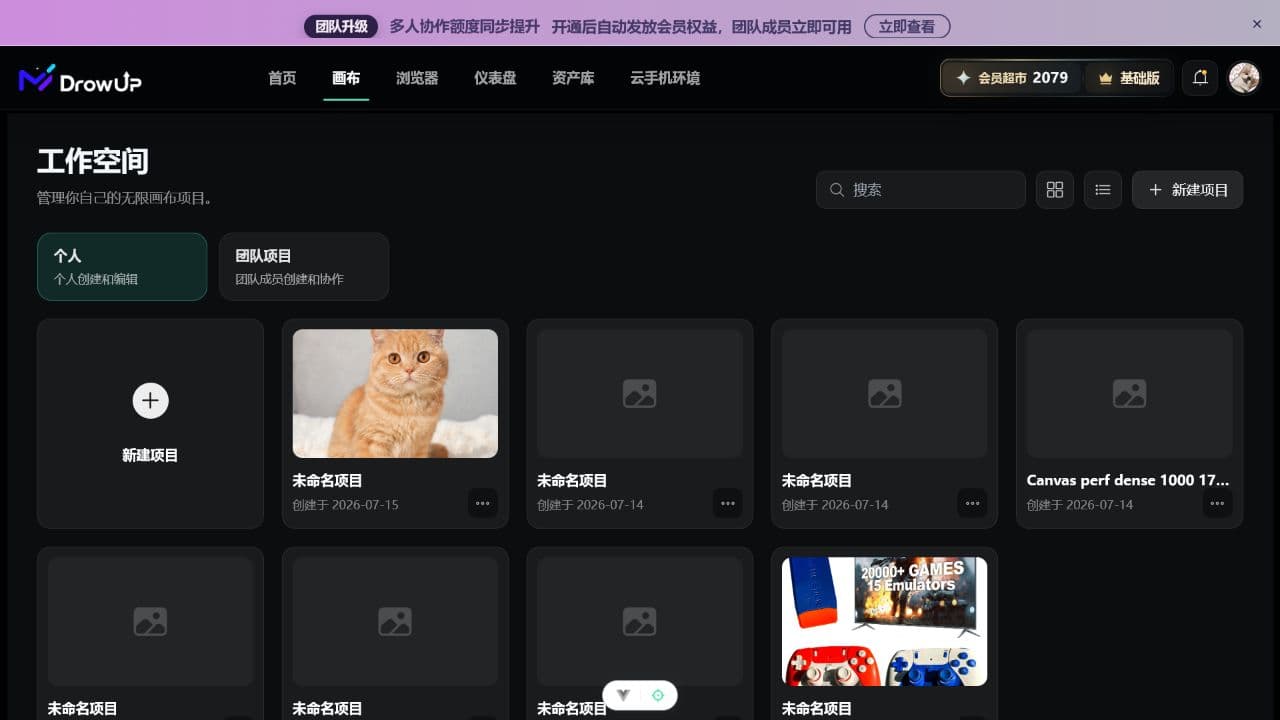
Start here
Install and Sign In
Download the Windows client and use the same account on the web and desktop.
Quick Start
See the full business route before opening your first project.
Main Areas and Terms
Find the right page and translate product terms into plain language.
Asset Library
Keep products, reusable materials, and generated output organized.
Canvas
Build a visual process with simple nodes and connections.
Browser and RPA
Prepare a store environment, then run your first automated task.
Four ideas to remember
| Name | What it is for |
|---|---|
| Product Library | Stores reusable product information and product images. |
| Material Library | Stores files you deliberately keep for future work. |
| Canvas | Turns a job into visible steps that you can connect and reuse. |
| Fingerprint Browser and RPA | Opens a dedicated store environment and performs repeatable browser work. |
A useful first goal
Complete one product from start to finish before trying batch work. Once that route works, save the canvas setup as a workflow and reuse it.