 DrowUp Guide
Materials and Generation History
Know where uploaded files and generated output are stored, and keep only what you need.
The Asset Library contains two media areas with different jobs:
- Material Library stores files you choose to keep and reuse.
- Generation History records output created by the Canvas and workflows.
Material Library
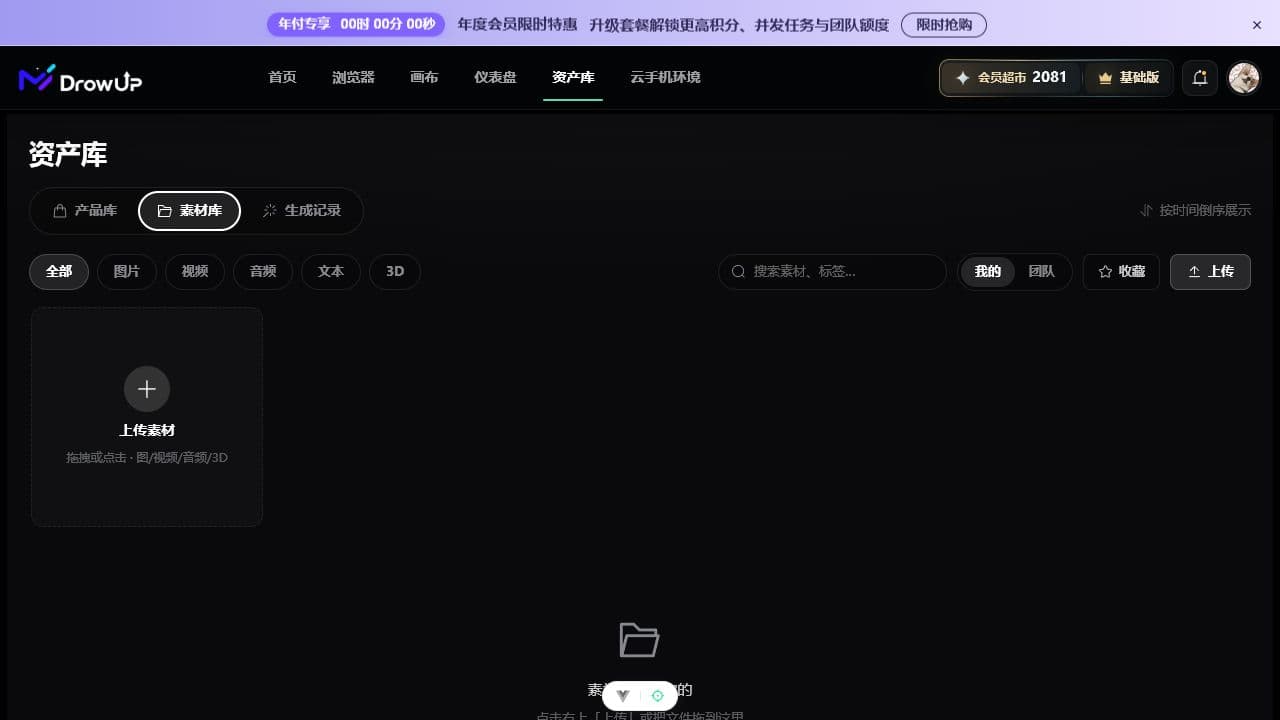
Use the Material Library for product images, videos, audio, text, and other files that should be available in future projects. You can upload files here directly or save a useful generated result here later.
A file uploaded directly inside a canvas is only part of that canvas by default. Use Save to Material Library when you want it to become a reusable asset.
Generation History
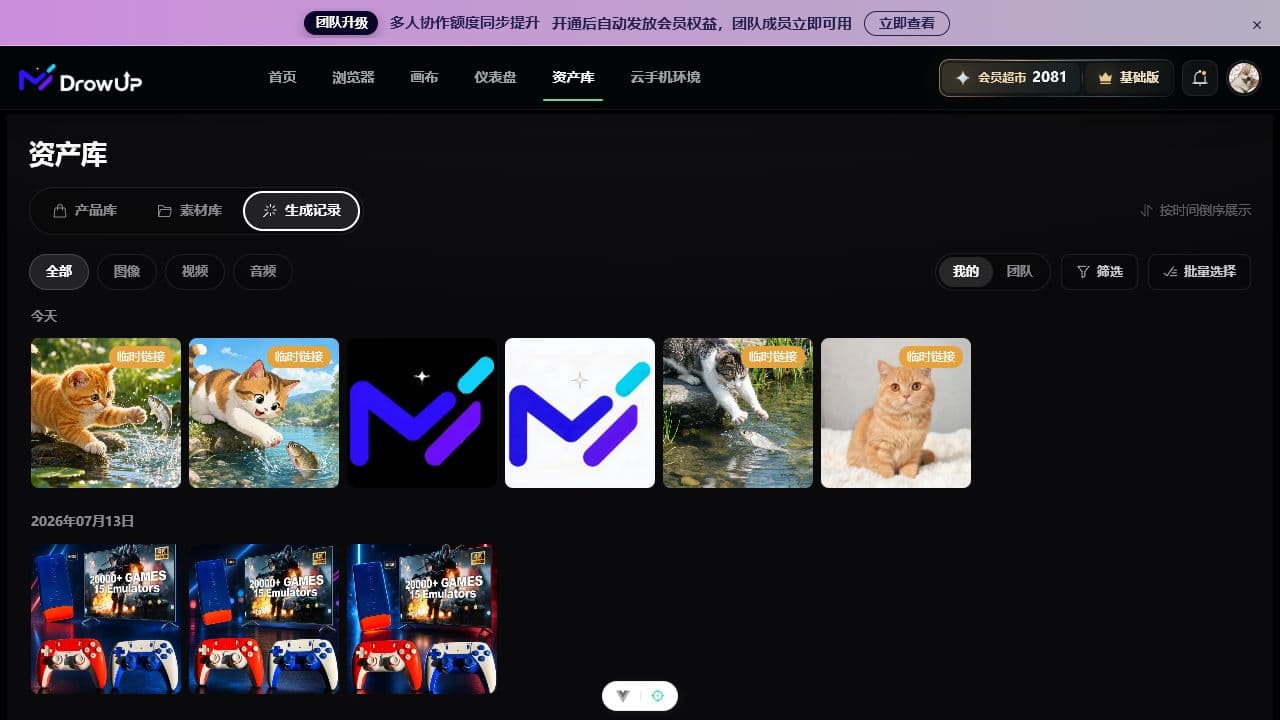
Generated images, videos, and audio appear in Generation History automatically. Use the type, owner, and filter controls to find a result, then preview it before taking the next action.
Generation History is not the Material Library
A generated result is recorded automatically, but it is not saved to the Material Library automatically. Select Save to Material Library for anything you plan to reuse.
A simple cleanup routine
- Open Generation History after a canvas run.
- Preview the results and compare them with the original product.
- Save the useful results to the Material Library.
- Download anything needed outside DrowUp.
- Remove unwanted history only after confirming it is not needed.
Removing an item from Generation History does not remove an existing canvas copy or a material that was already saved.