 DrowUp Guide
Quick Start
Find the Main Areas and Terms
Learn the main DrowUp areas and translate common product terms into plain language.
You do not need to learn every part of DrowUp before starting. First, recognize the areas used in this guide.
Main navigation
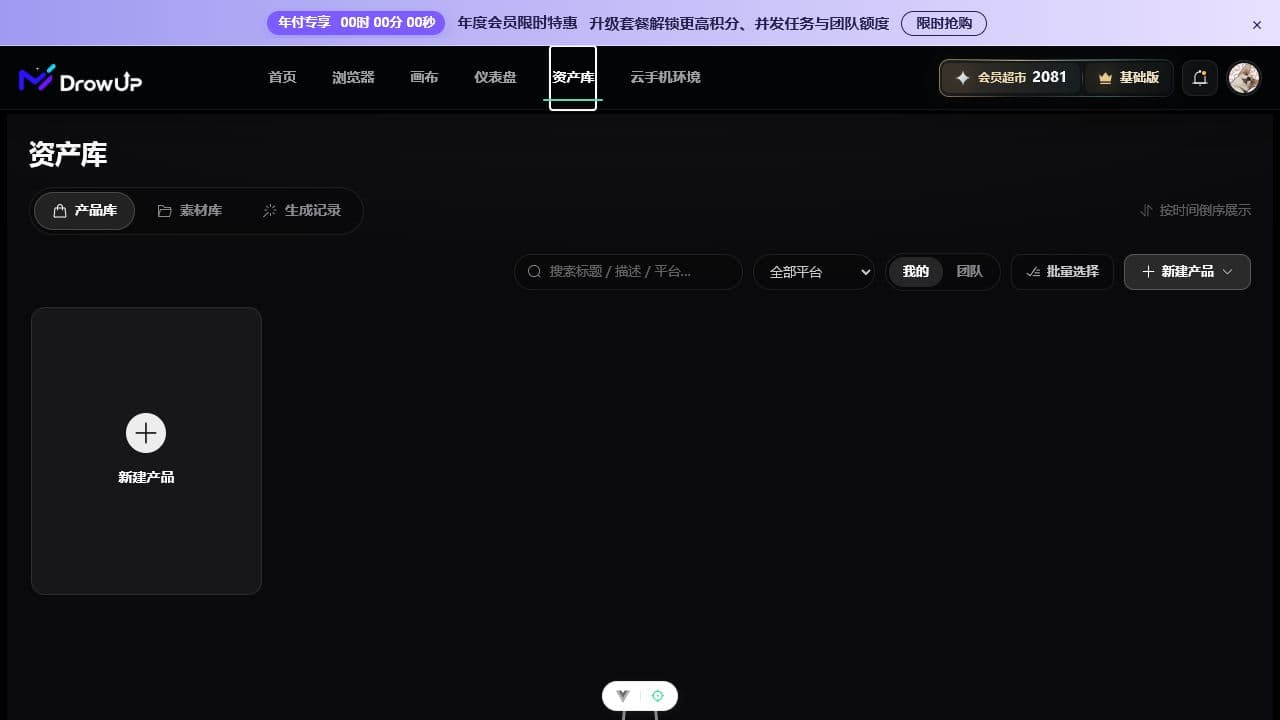
The white outline marks the Asset Library, where products, materials, and generated results are kept.
| Area | Think of it as | Your first use |
|---|---|---|
| Canvas | A workspace for visual steps | Create an image, text, or video |
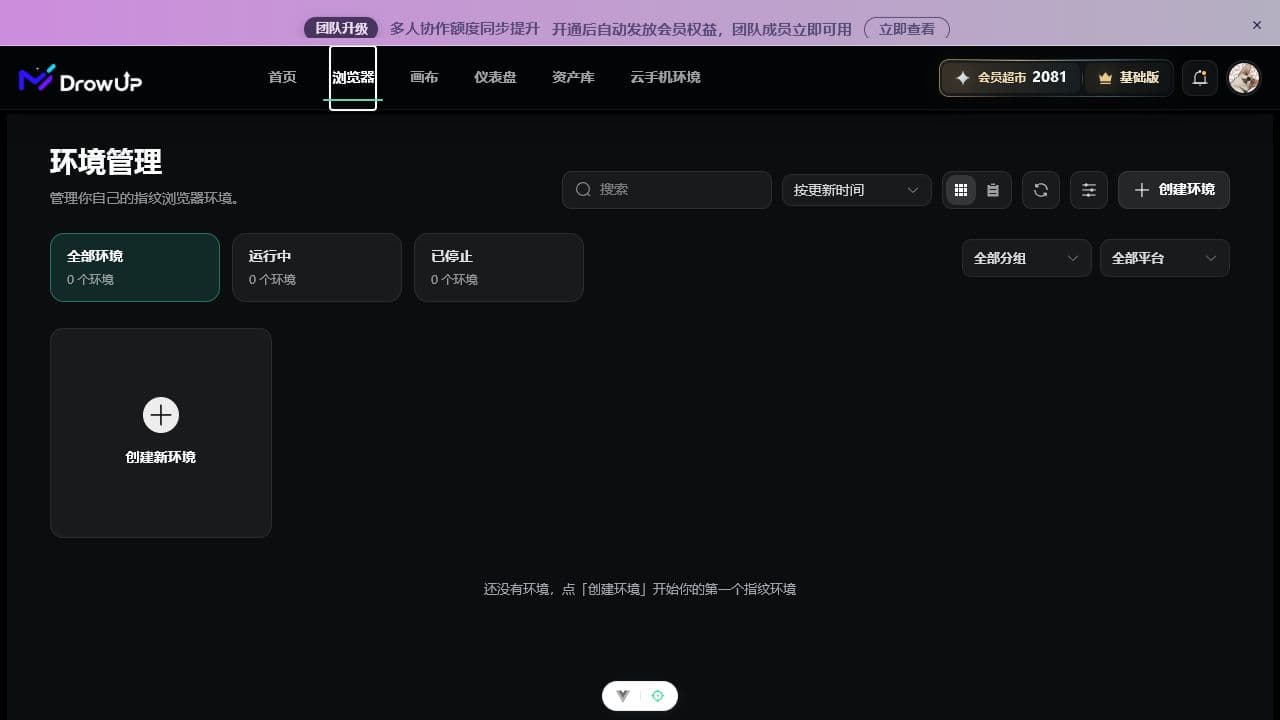
| Browser | Store browser management | Create and open one store environment |
| Dashboard | Automated task entry | Open scripts and run records |
| Asset Library | A home for products and files | Find products, materials, and results |
The exact position of a button may change after a site update. Follow the label and purpose instead of trying to match every pixel in a screenshot.
Terms on the Canvas
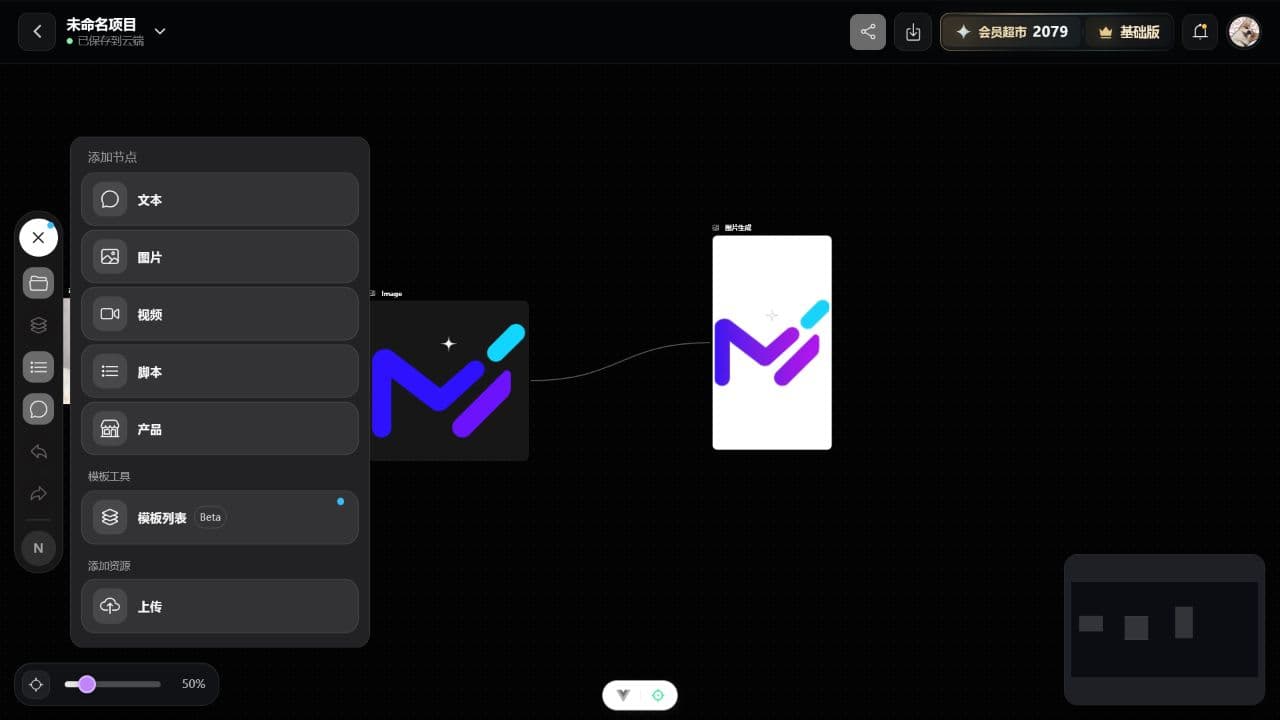
| Product term | Plain meaning |
|---|---|
| Node | One card that performs one job |
| Connection | Passes content from one card to another |
| Generate | Starts the actual AI job |
| Workflow | A saved group of cards that can be reused |
| Write back | Saves a canvas result into the product record |
| Variants | Applies the same tested process to one or more products |
Adding cards does not start a job. After the cards are connected, click Generate on a node or run the whole group.
Browser and automation terms
| Product term | Plain meaning |
|---|---|
| Desktop client | The installed DrowUp app that opens browsers and performs tasks |
| Browser environment | A dedicated store browser with its own saved login and settings |
| RPA | A task that clicks and fills a page using prepared steps |
| Concurrency | How many jobs run at the same time; use 1 for the first run |
| Log | A time-ordered record that helps locate the first failed step |
| Proxy | A configured network route; do not invent values when none are given |