 Agent Guide
Skills
Select a procedure, choose its installation scope, and inspect step-by-step results.
A Skill is a reusable procedure for a class of tasks. Employees define roles; plugins and connectors provide capabilities. Similar names do not make two Skills interchangeable: check the target backend, platform, inputs and supported final action.
1. Read the details before installing
Open Skill market from the left sidebar. The tabs across the top are Skill, Favourites and Mine; below them sit the categories: recommended, core, product images, shoppable video, listing copy, platform listing, product research, ad creative, voiceover and canvas workflows.
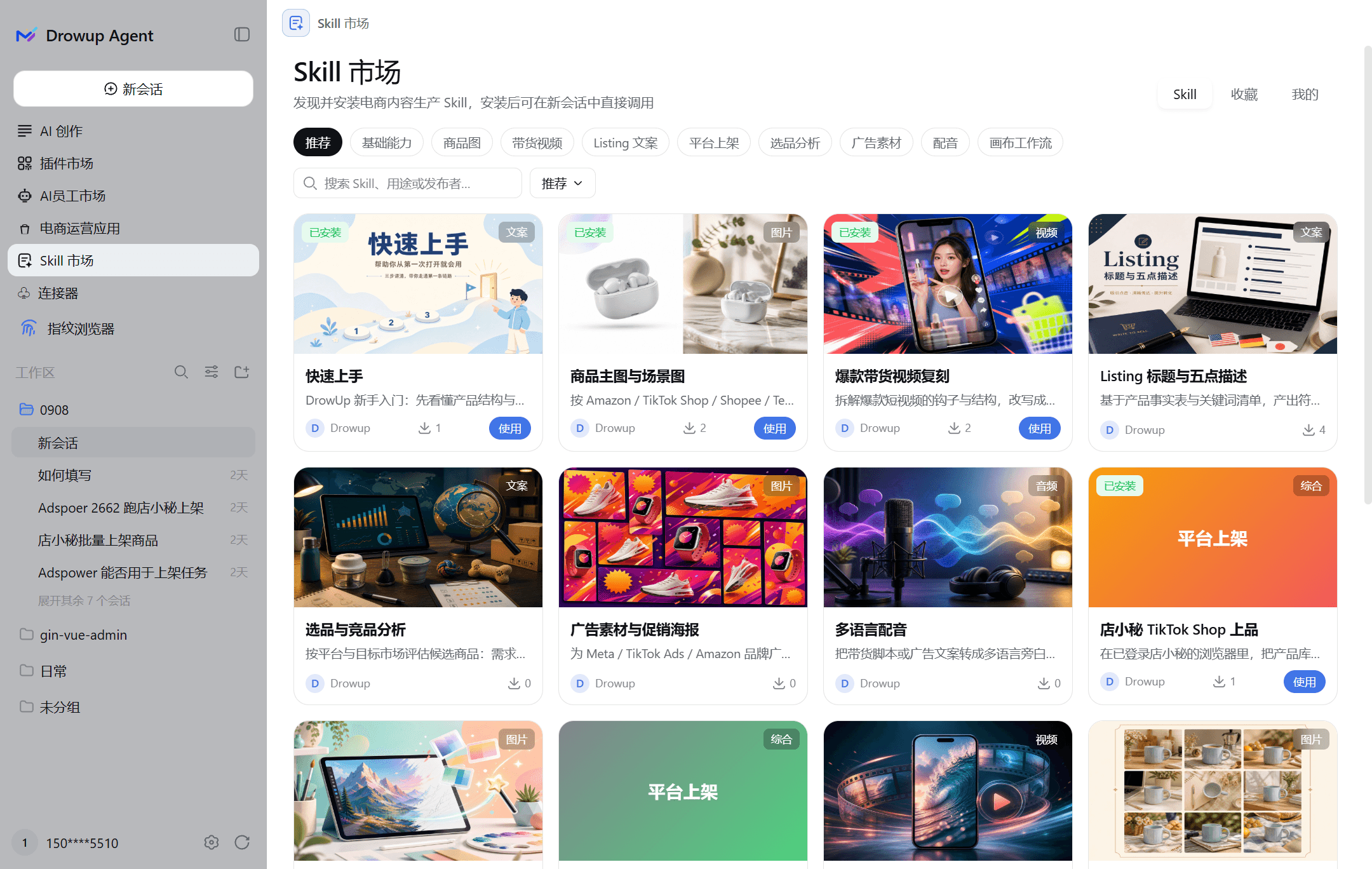
Cards carry an Installed badge top left, the publisher and install count bottom left, and either Use (installed) or Details (not installed) bottom right.
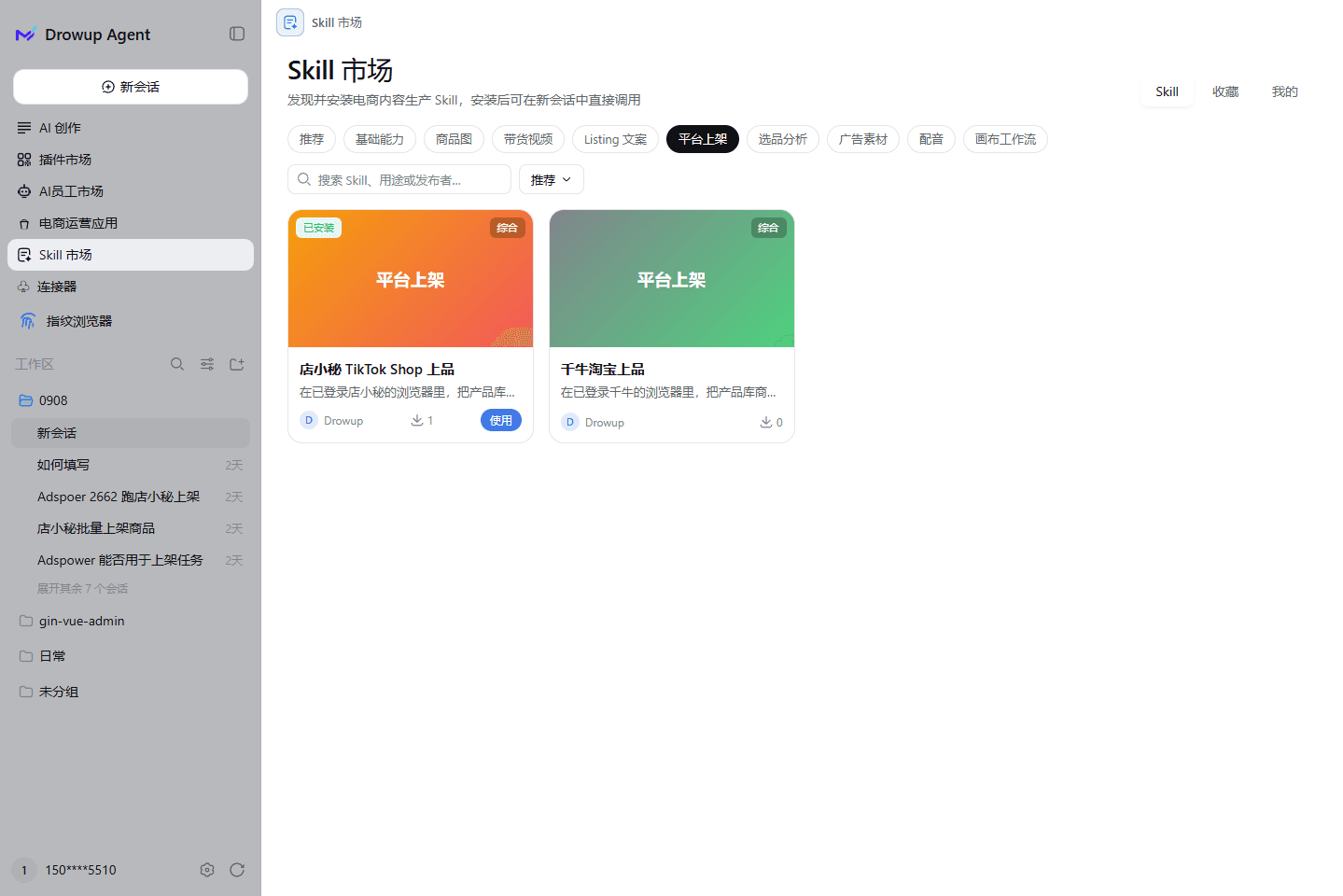
Open Skill Market (the script market). Filter by platform across Temu, TikTok, Amazon and Shopify, or browse the recommended and official selections.
Each card shows its version in the lower-left and its action in the lower-right: Install when new, Run now and Uninstall once installed.
Before installing, review:
| Check | Question |
|---|---|
| Task and platform | Does this procedure match the actual backend? |
| Inputs | Does it require a product ID, images, environment or parameters? |
| Dependencies | Which tools, permissions and signed-in services are needed? |
| Final action | Inspection, form filling, draft saving or submission? |
| Version | Is the procedure appropriate for the current interface? |
A listing-related name does not imply automatic publication.
2. Choose installation scope
- Specific employee: for a role-specific procedure.
- Entire workspace: for procedures needed by multiple conversations in that workspace.
Check the installed scope, then start a new relevant employee conversation. Connectors have a different scope: they are shared by the current user's conversations and do not need employee binding.
3. Prepare facts and set boundaries
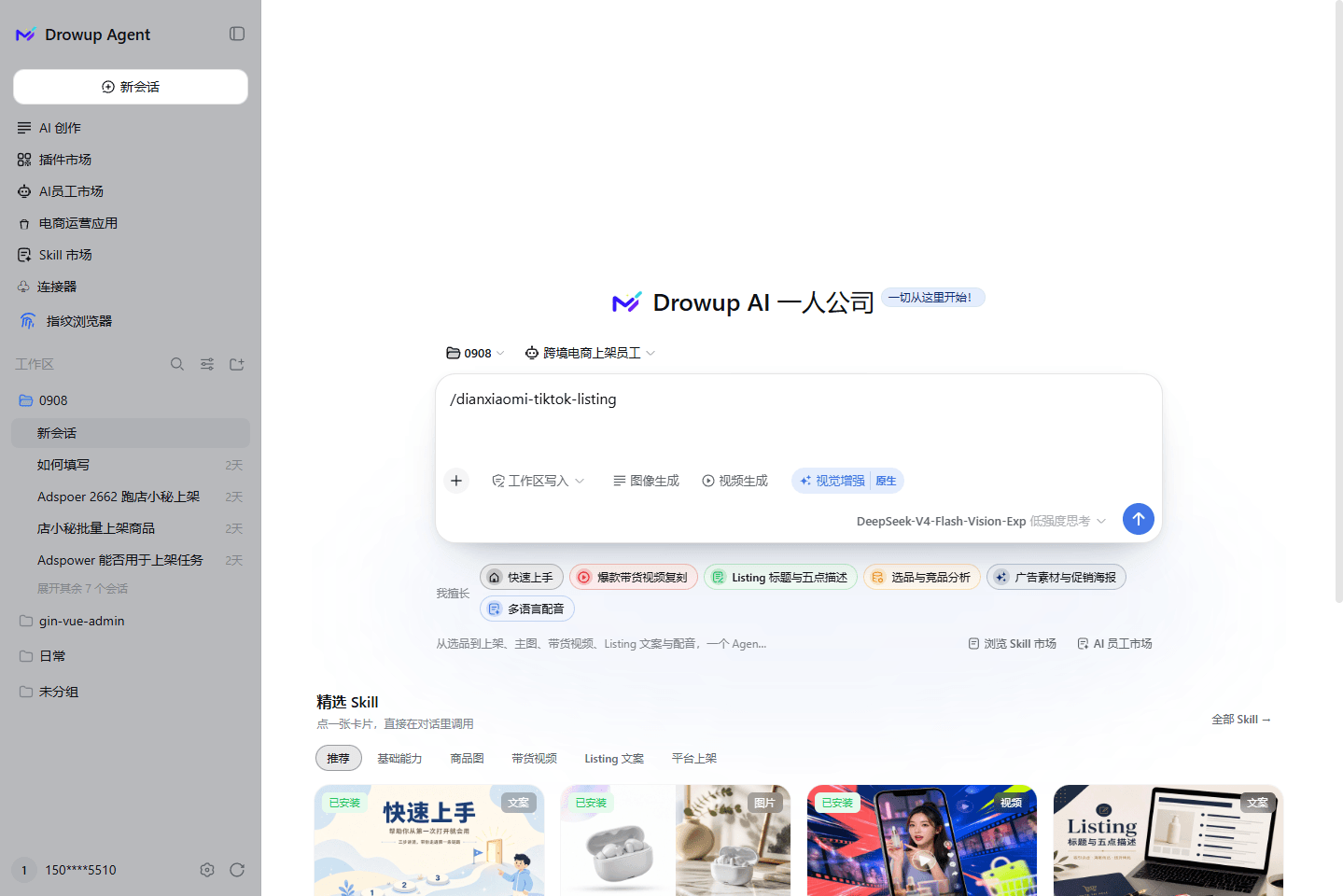
Pressing Use on a card returns you to the conversation page and drops the Skill's slash command into the composer, such as /dianxiaomi-tiktok-listing. The selectors above the composer show which workspace and employee will be used.
Running from the panel
Run now on a card opens the run panel.
| Option | What it controls |
|---|---|
| Execution environment | Which browser environment runs the job; isolates accounts across stores |
| Select product | Required; pick the product from the library |
| Concurrency | How many run at once; keep it at 1 for a first run |
| Timeout (seconds) | Per-run limit, 1800 by default |
| Close browser when done | Turn it off when you want to inspect the result manually |
| Remember config | Reuses these settings next time |
The panel footer states the call limit and credit rules for this run, such as "up to 20 calls, free model, no credits held". Confirm those before pressing Run now.
Running from a conversation
Use a uniquely identified product, the correct environment and verified attributes. Do not invent weights, brands or certifications to fill required fields.
Use the installed "TARGET-SKILL" for product ID "MY-PRODUCT-ID".
Explain the supported platform, required inputs and planned steps first.
Only fill and inspect the form; stop before final submission.
Do not publish, change inventory or enable paid options.
List missing facts or permissions instead of inventing replacements.
This is a template. The installed Skill determines which modes are supported; unsupported modes should stop rather than be bypassed.
4. Inspect steps and the receipt
Review completed steps, the failure point, field readbacks, missing inputs and manual-review items. An upload request is not proof of a loaded thumbnail. A filled form is not platform approval.
Before retrying, check for partial changes or existing drafts to avoid duplicates.
Updates and costs
Existing documentation describes Skill installation as free. Execution may consume generation credits, and third-party services may charge separately. Check current market and execution information; free installation does not mean free execution. After an update, run a small, verifiable task first.
Troubleshooting
| Symptom | Action |
|---|---|
| Installed but unavailable | Check employee/workspace scope and open a new conversation |
| UI or selector mismatch | Stop repeated attempts; check the version and backend |
| Missing parameters | Supply real facts, not demonstration values |
| No publication confirmation | Distinguish filling, draft saving, submission and approval |
Next: Employees · Plugins · Product library